Limo Anywhere Mobile is a mobile application for iOS and Android . You can download and install Limo Anywhere Mobile from the App Store and Google Play Store.

NOTE: The new design and functionality shown in this article is available on the iOS app. The new update to Limo Anywhere Mobile on Android is coming soon.
How-to Make Quick Updates on Limo Anywhere Mobile
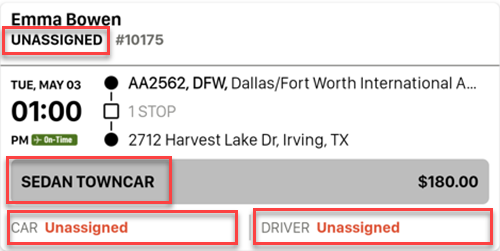
In Limo Anywhere Mobile you can quickly update:
- Status
- Vehicle Type
- Car
- Driver
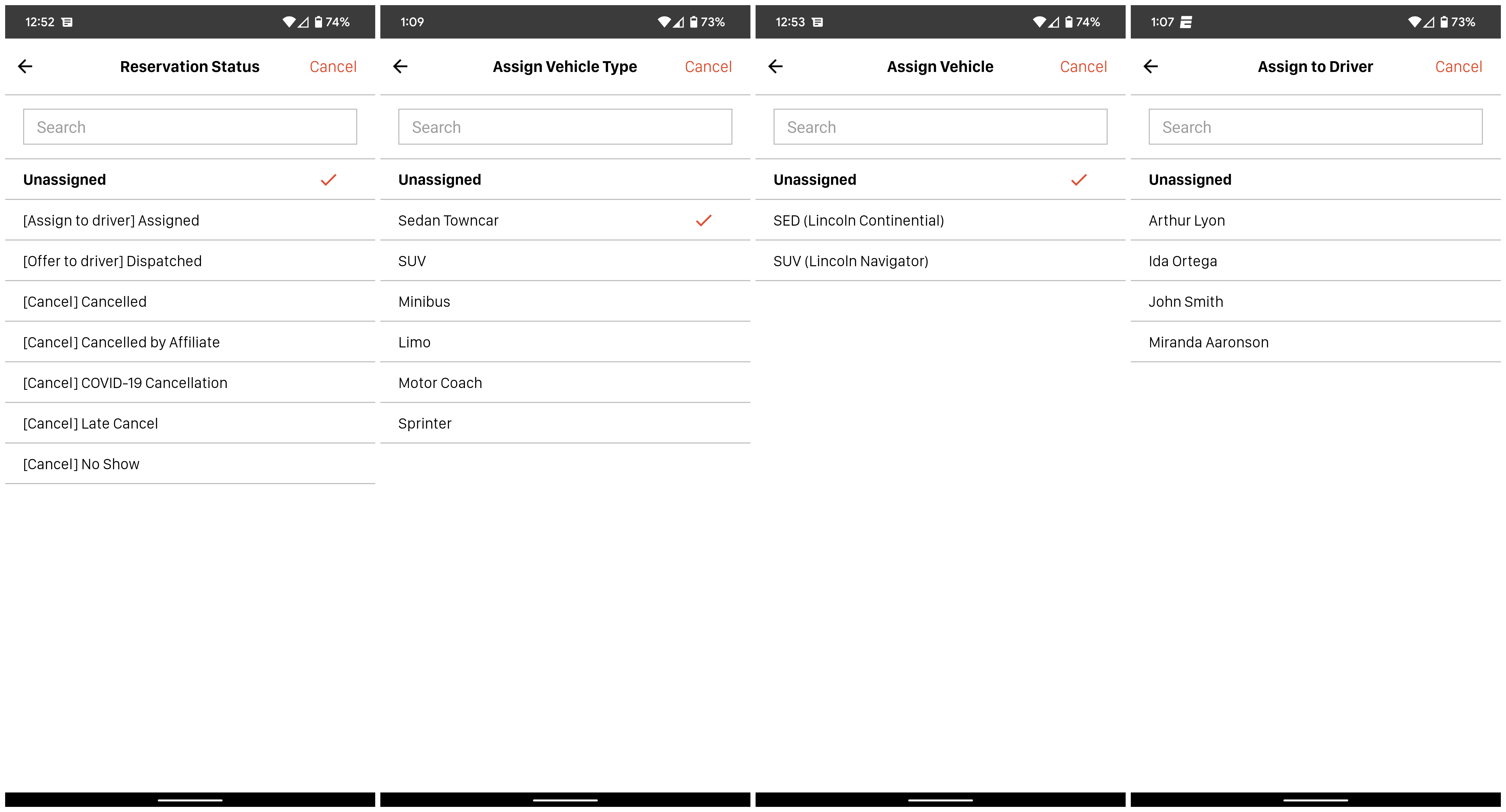
Just tap any of those options right on the job card to quickly change. Each one will take you to their respective screen to search and/or select the status, vehicle type, car or driver you want to update on the reservation.
Was this article helpful?
That’s Great!
Thank you for your feedback
Sorry! We couldn't be helpful
Thank you for your feedback
Feedback sent
We appreciate your effort and will try to fix the article