DA Calendar Sync
NOTE: Prerequisite is that drivers are on the Driver Anywhere versions (or later):
-
Android 4.6.6
-
iOS 4.6.4
With this update, we’ve added a new option to DA4 (Driver Anywhere) called Calendar Sync.
Drivers will now be able to add/sync their trips to their device’s calendar.
Key Details:
- When booting the app for the first time, users will be asked to allow DA4 permission to their Calendar.
- Your Drivers can choose which calendar they wish to sync DA to.
- Once they confirm the ride, it will show up on their Calendar.
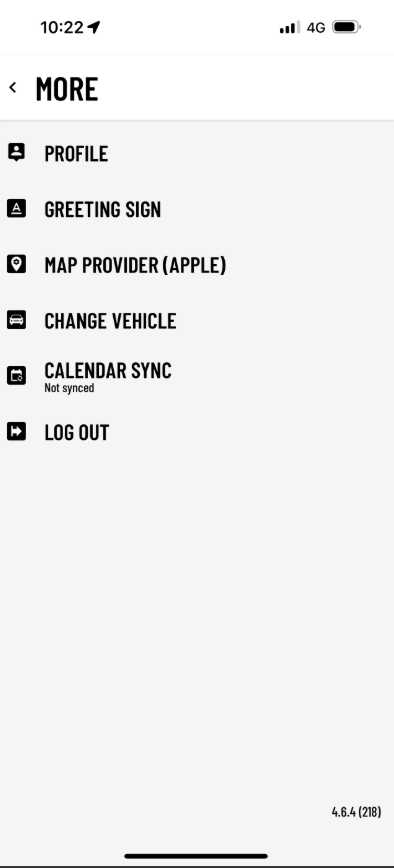
Note: This is a manual feature. To sync any updates that have happened on existing or assigned trips, the Driver will have to manually sync the app with the calendar again by going in to More and pressing “Calendar Sync”.
Was this article helpful?
That’s Great!
Thank you for your feedback
Sorry! We couldn't be helpful
Thank you for your feedback
Feedback sent
We appreciate your effort and will try to fix the article